Delete your account
In order to provide you with a better service, our application has a functionality from which you can delete your account yourself.
When you confirm the deletion of your account, the data you registered, such as: name, country, email and password, will be deleted.
How to delete your account...
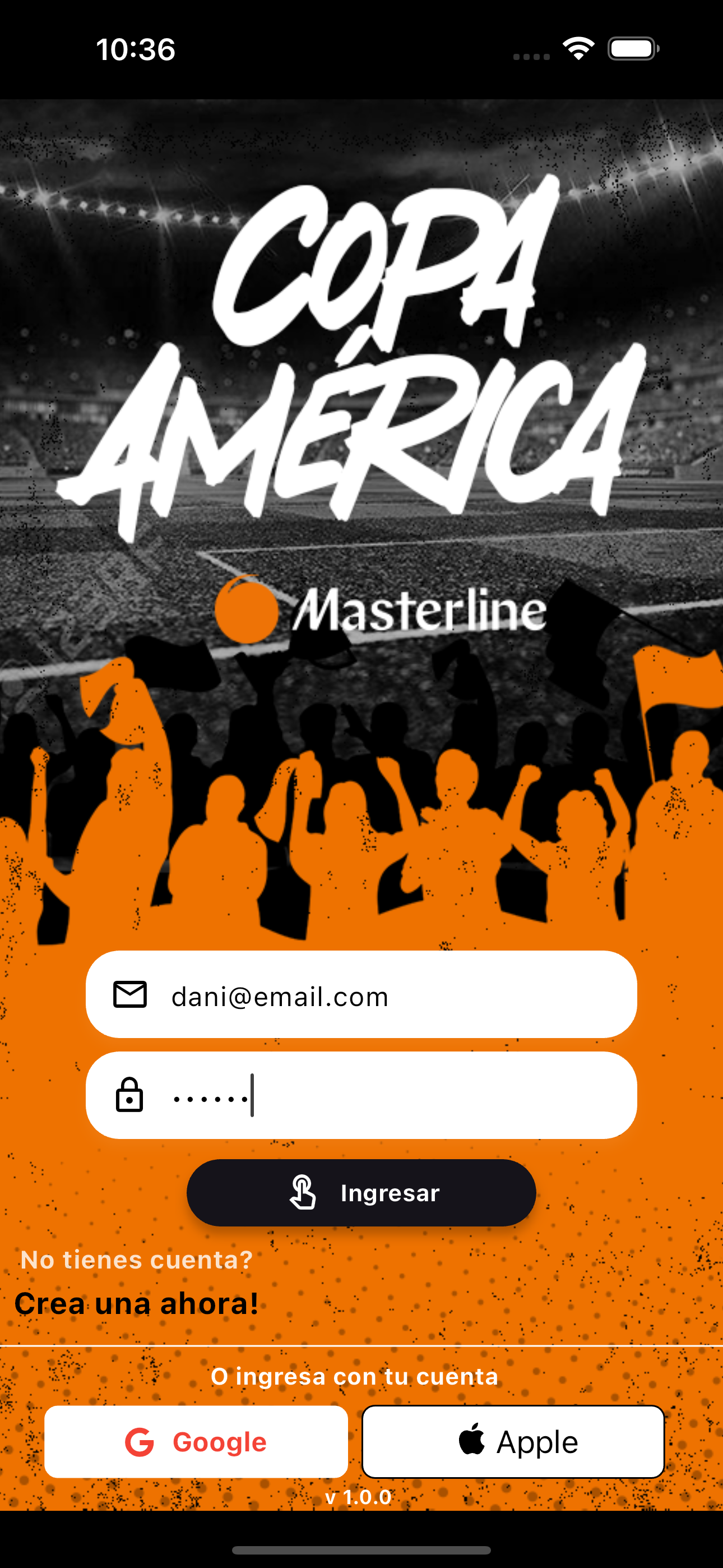
01. Sign in whit your account
First you must have logged in to the application with the credentials with which you created your user.
02. Check your user data
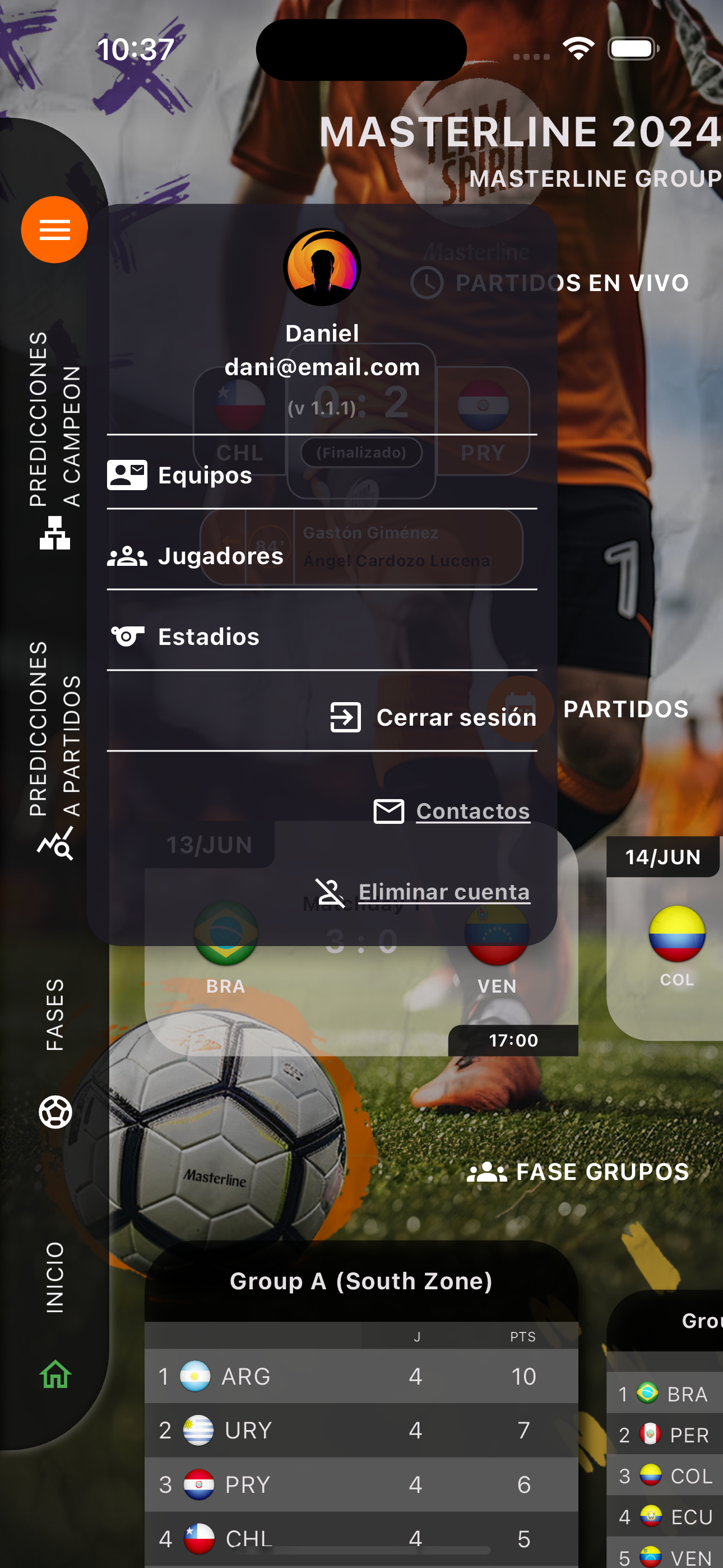
At the vertical menu, click on the first icon on top..
Click on Delete Acount.
03. Confirm deletion
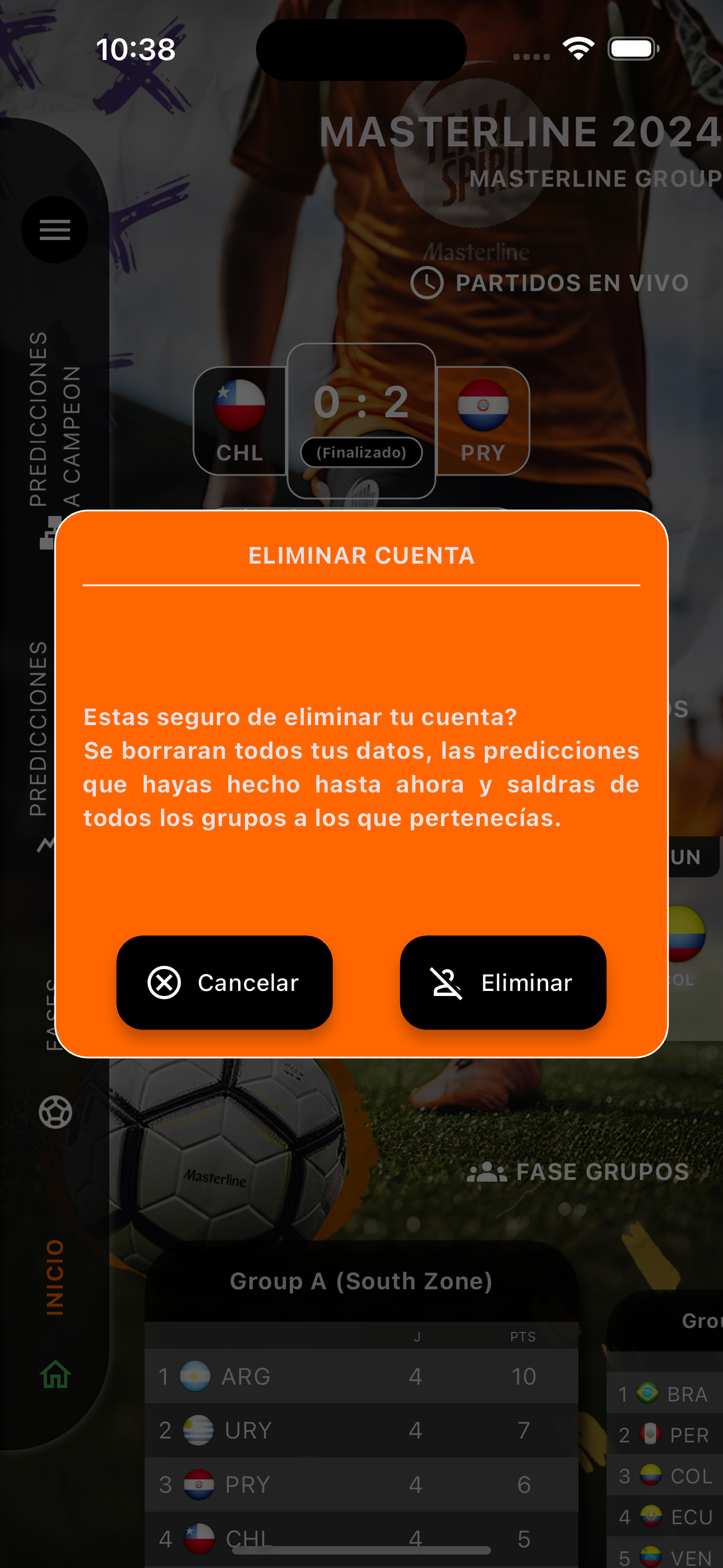
You may see a dialog box asking you to confirm the deletion of your account.
If you are sure to do so, you must click on the "Delete" button at the bottom right.
04. Deleted account!!!
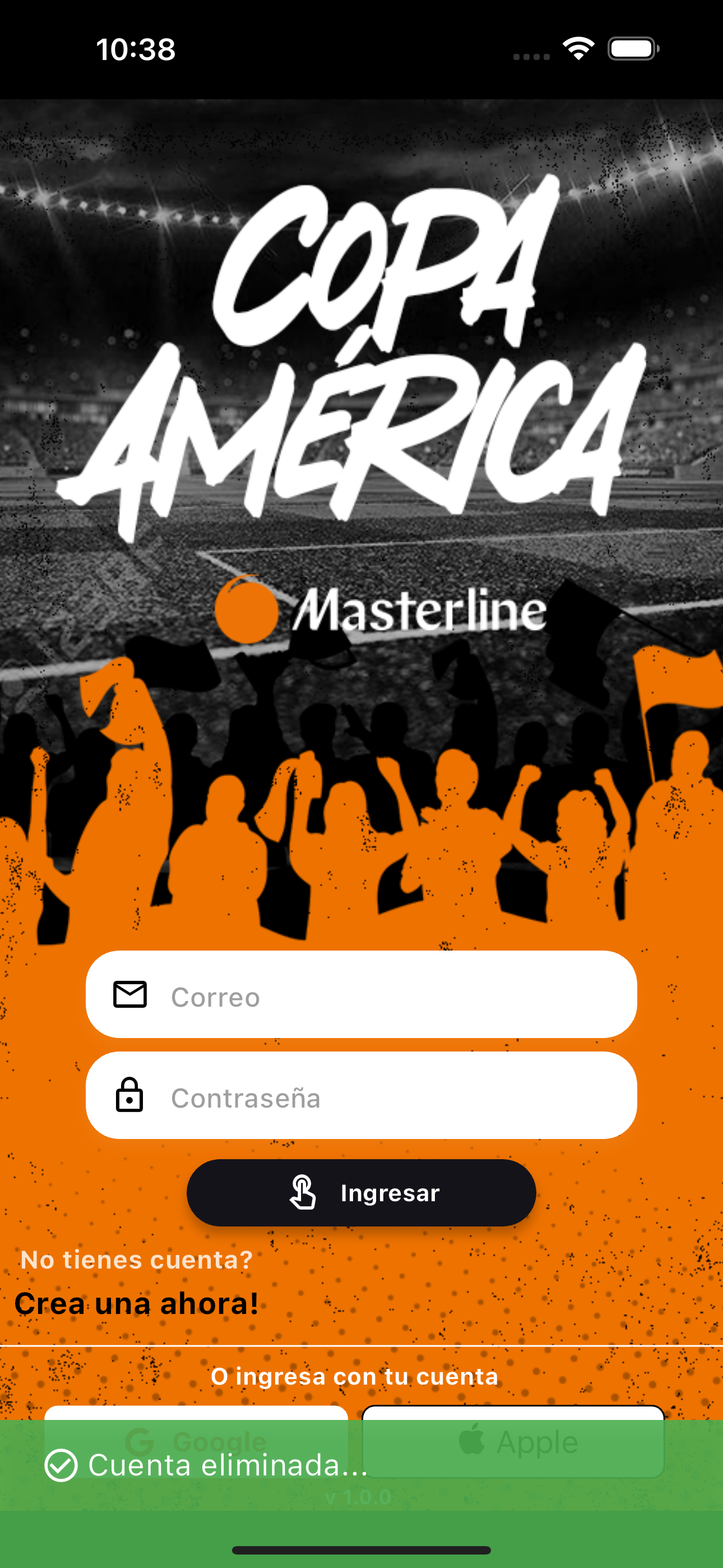
The application will close your session and your user will be deleted from our database.
You will see a confirmation message at the bottom..